Machine learning and AI have always been complex topics. I’ve spent a few years in this space by training NLP models for document tagging, building speaker diarization pipelines at Apple for Siri, and course work on model training. Through this, I saw the disconnect between model training, inference, and actually using the models in applications.
I had started prototyping and building agents, and wanted to see if a model running on my computer could do anything special. And that’s when I found Ollama.
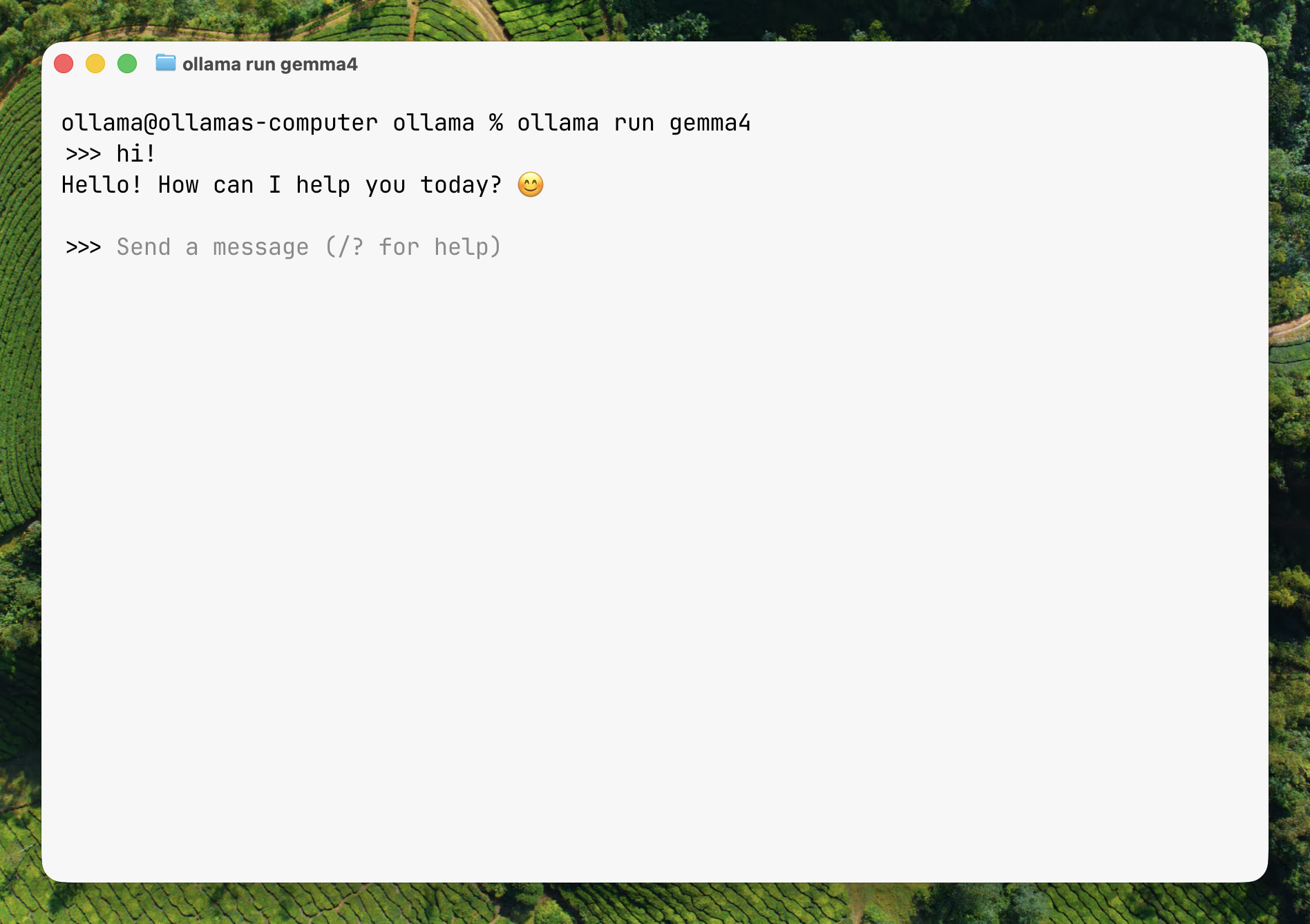
I fell in love with how simple everything was in Ollama, knowing the complexities that live in this space. That feeling of simplicity is what I try to instill in my work. After spending a few years in this space, and a couple at Ollama, I think getting tokens to do meaningful work is equally important to generating the tokens themselves.
What is Ollama Launch?
I built Ollama Launch a few months ago and it is the easiest way to connect Ollama to coding and personal agents.
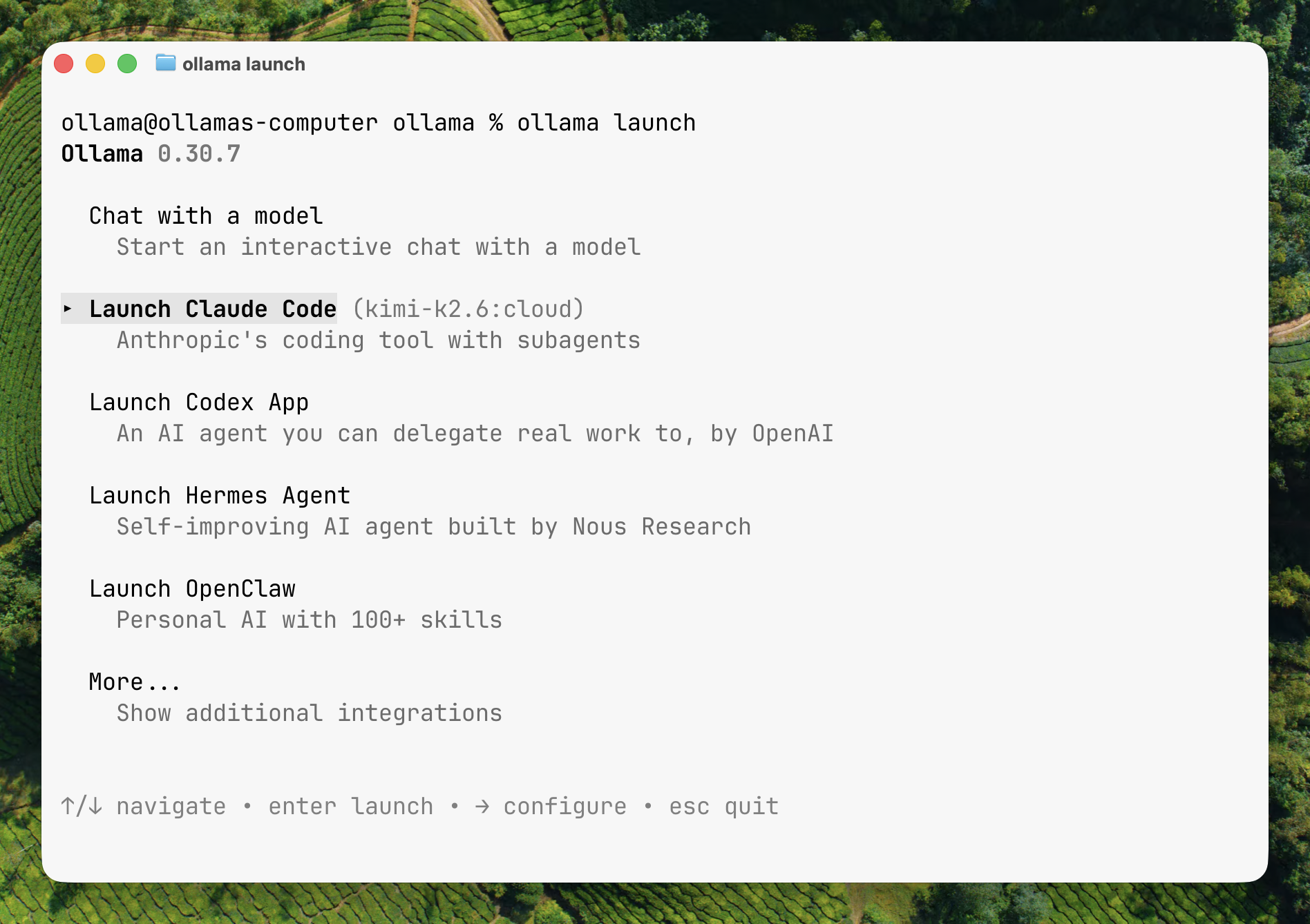
Building Ollama Launch has taught me many things, and reinforced others. The implementation has gone through rounds of improvements, but the feeling of it stays the same: “Oh it actually works!” Then it fades into a sense of ease as the user becomes comfortable with it. There is a beauty in the mundane.
Simplicity
A core Ollama trait. Almost everything comes back to one question: “How could this be simpler?”
Configuring things is usually messy: random files, infinite pickers, and knobs you didn’t even know existed.
After spending time writing our documentation for a bunch of integrations, I was frustrated with the many ways setting one up could fail, feel fragile, or require too much context. Connecting and working with the different tools was often painful and overly complex for a user, especially for new users. This was the initial spark of Ollama Launch: “It shouldn’t be this hard.”
I joke about this, but the answer truly did come to me in a dream last December, where I knew I had to make using the model as simple as running it. What came to me was the ability to run one command and not have to think about the setup at all.
ollama launch
Invisibility
The experience is simple to use: type a couple words and make it work. The user shouldn’t have to think about what is happening.
Similarly, I wanted to hide everything unnecessary. No config files, no knowing what an Ollama server is, no API keys. Just a focus on the goal of “I want to run this thing with Ollama.”
However, invisibility comes at a cost. It’s magic when it works, but the hardest bits to design are around when things fail. What happens when a config write fails? A user wants to switch models? A new model comes out? This led to many debates around which information should be surfaced, hidden, at which stages, and how to reason about a feeling of effortlessness.
Designing these systems is also changing, as agents become users of the CLI tools. Providing agents the right information is important so they can quickly help the end user succeed at using the tool. Making information human-digestible while being verbose for agents is a newer design pattern I’m playing around with, and I’m trying to craft my -h descriptions a bit more carefully.
There’s a common saying in systems engineering that a mentor once told me: “You get 0 recognition, and all the blame when something goes wrong.” It’s similar in most product design too. When things work well, people will not remember the steps they took to do a task. They will only be left with a feeling.
Delightful discovery
Simplicity and invisibility start a design for a great experience, but they lack a way to help the user figure out what to do. With just them, the experience felt dry. Launch was missing the moments where you felt like you were coming across something new and getting to play with it.
The third principle became delightful discovery. Discovery is two-fold in Launch: one being the different tools and agents you can use, and the other being the model.
Each tool and model is curated, and I spend the necessary time with each integration to see what feels good and what can be improved.
I often change the ordering of the first few tools and models based on what’s new and promising. It’s a tradeoff which favours users who want to see what is new while affecting users who have gotten used to clicking something in the same spot.
Upon selecting a tool, models are shown to the user and updated dynamically based on which models are new, and which models work well for agents. New models tend to fit the bill for these tools. This is especially useful for local models, since that’s one of the biggest questions we get: “Which model should I use for this?”
The models and tools grow and evolve over time, and sometimes the pace of tools and models outweighs a user’s ability to keep up. Even mine sometimes. Having discovery baked into launch helps by showing the user what’s new and how to try it without cognitive overload.
The tax of discovery is keeping it fresh and up-to-date with tools worth trying. It requires constant attention, time, and taste.
Launch has changed significantly in its short lifespan, with part of the design philosophy appearing as I built it. I’d like Launch to become something people eventually take for granted. Because of course, it should just work.